Does R6 No Recoil require an installer?
No. Download the ZIP, extract it, and run the executable. The tool is designed for Windows 10 and Windows 11.
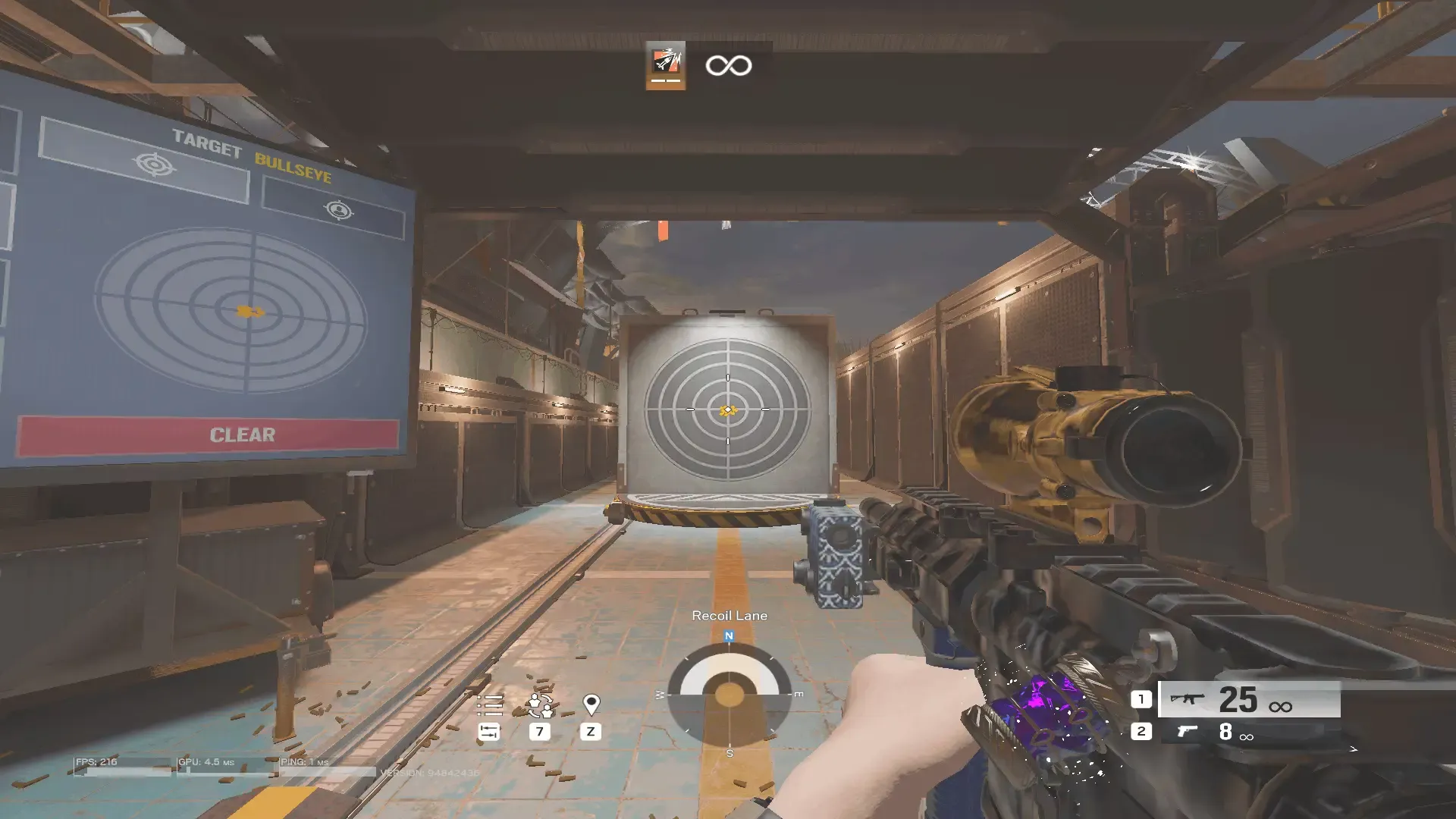
An Undetected and Lightweight recoil control tool built for Rainbow Six Siege. Fast to set up, easy to customize — without the bloat and still packed with amazing features.
Members in our private Discord
R6 No Recoil does one thing exceptionally well: smooth, responsive recoil control for Rainbow Six Siege. No installer, no heavyweight software, no unnecessary features eating your CPU.
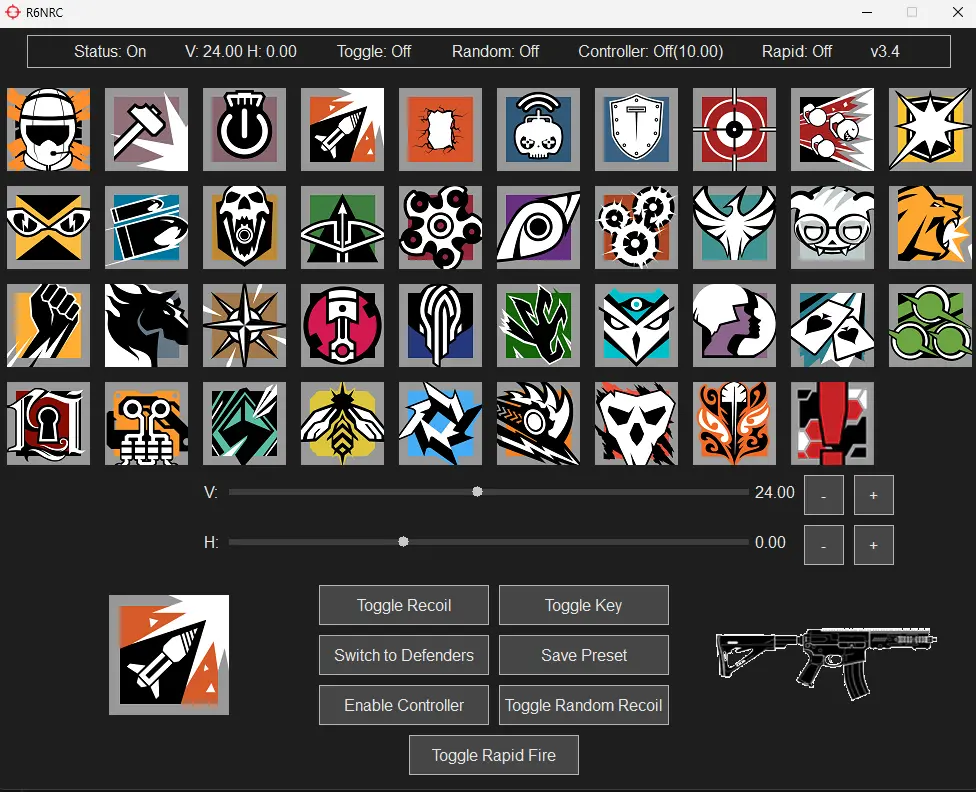
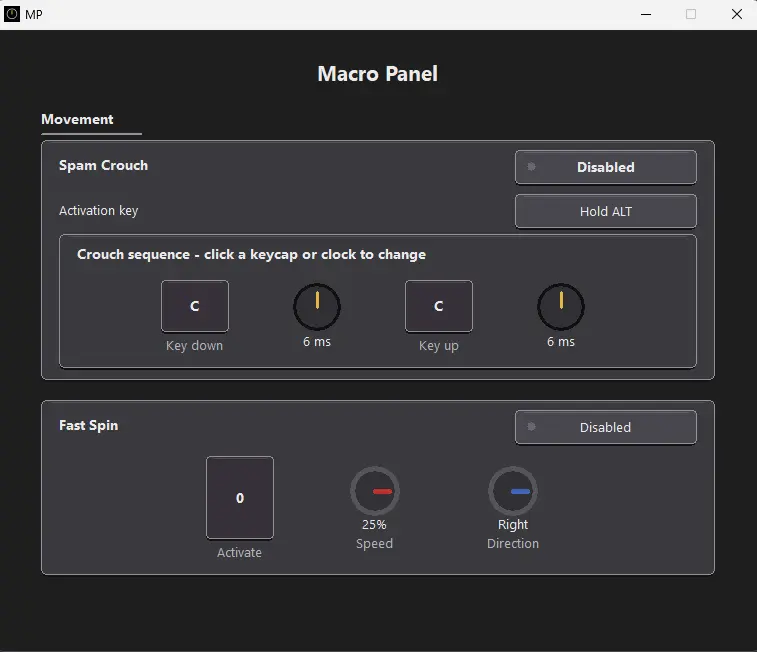
Optimised for minimal CPU usage and instant reaction with zero perceptible lag — even during intense firefights. 0% CPU usage and 1.4MB RAM usage.
Fine-tune recoil settings per operator and weapon. Custom keybinds, theme selection, rapid fire intervals and more — all from a single config file.
Works flawlessly with both mouse and controller setups. Full Xbox support; PlayStation via DS4Windows or DualSenseY. Just enable with a click of the Enable Controller button.
Download, extract, and run. No bloated installers and no dependencies. It just works.
Hold left click whilst aiming down your sight to unleash rapid fire on DMRs and pistols — with randomised intervals (that you can change to your wish) for natural, human-like firing patterns that stay under the radar.
No. Download the ZIP, extract it, and run the executable. The tool is designed for Windows 10 and Windows 11.
Yes. You can fine-tune vertical and horizontal recoil settings and save presets for individual operator and weapon combinations.
Yes. Xbox controllers are supported directly. PlayStation controllers can be used with DS4Windows or DualSenseY.
Supporters receive access to the private Discord community, where downloads, updates, setup guidance, and support are provided.
Become a Ko-fi supporter to unlock access to the private Discord server
Join the Discord using the invite sent after supporting or by linking your Ko-Fi and Discord accounts in your Ko-fi settings
Download the tool from the supporter or download channel in the Discord server
Extract the zip and run the .exe — no installation required
Choose between Attackers or Defenders and then pick your operator and weapon
Test your Vertical and Horizontal preset in shooting range, and when happy click Save Preset to save the preset to the selected gun.
Use CapsLock (default) to toggle on/off mid-game — fully rebindable and only when enabled (Click Toggle Key to enable)
Enable Controller support by simply pressing Enable Controller and then checking the status and multiplier on the status bar
Enable Randomised Recoil for an extra layer of unpredictability and for more natural recoil patterns.
Tweak themes, controller settings, and keybinds via a simple config file.